





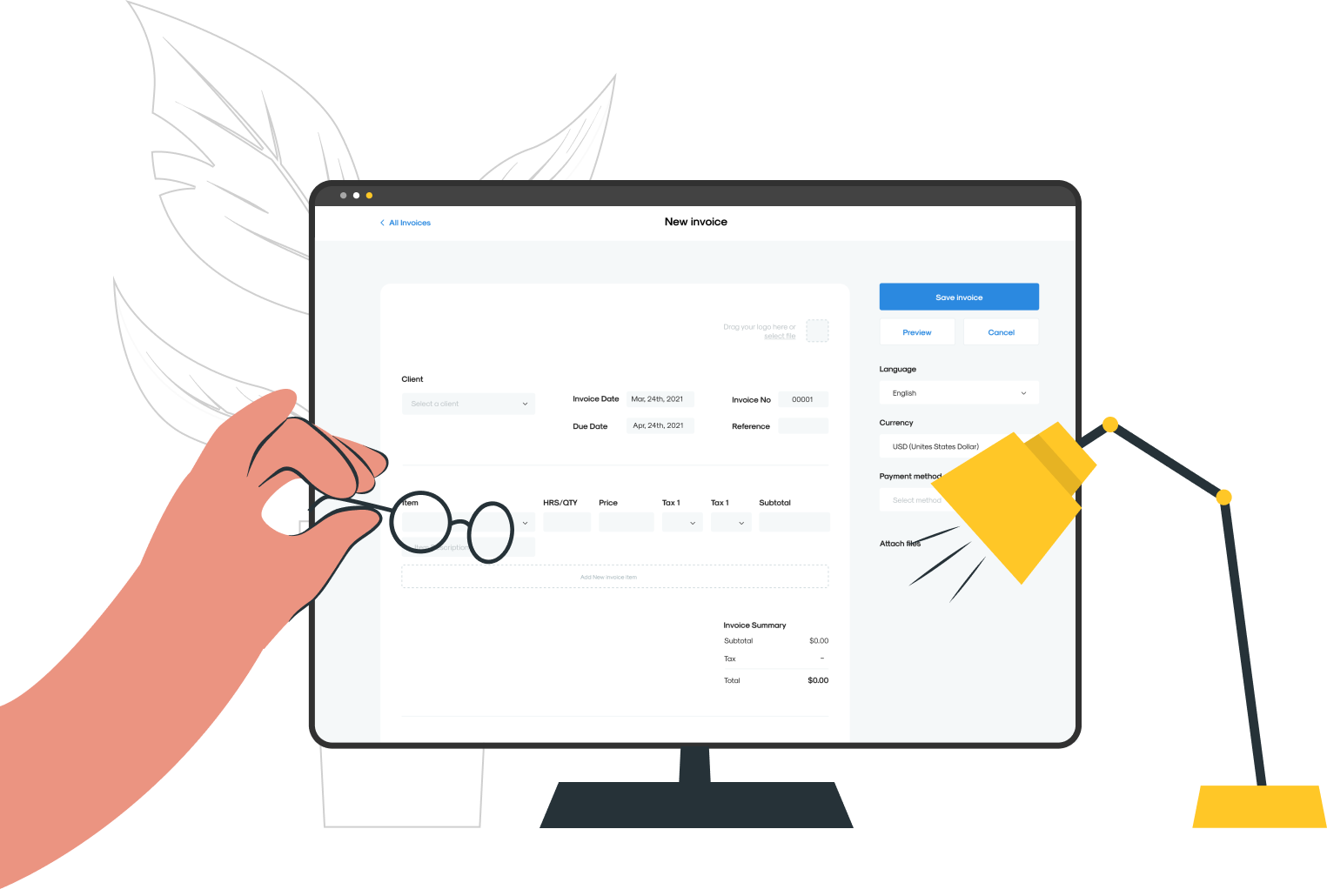
For independent contractors, timely payments depend on well-crafted invoices. Missing details or ambiguous payment terms can prolong follow-ups and disrupt cash flow. A clear layout with detailed line items and precise deadlines streamlines the billing process. Maintaining invoice accuracy minimizes delays and supports smoother financial operations.
Professional invoice templates, distinct payment instructions, and consistent follow-ups contribute to a more efficient workflow. Including tax information and a range of payment options enhances clarity for both parties. Clear billing practices help professionals focus on their work while reducing administrative hassles. Ontop’s payroll software automates reminders and streamlines invoice management, offering tools that save time and accelerate payments.
Summary
- Freelancers spend an average of 20 hours per month on financial management tasks, which reduces billable time, increases stress, and creates cash-flow blind spots that compound over quarters.
- Late payments are widespread: 56% of freelancers report them as a significant issue, indicating that unclear invoices increase the risk of disputes and retroactive chargebacks.
- Invoices with itemized line items are 30% more likely to be paid on time, indicating that breaking work into clear micro-records reduces review time and prevents scope disagreements.
- Including explicit payment terms accelerates approvals: 95% of businesses report faster payments when terms are clear. Stating due dates, remittance contacts, and precise payment references shortens turnaround.
- Electronic invoice delivery and structured data materially improve speed and cost, with over 70% of businesses receiving payments faster and processing costs falling by up to 80% when invoices are handled electronically.
- Operational errors drive delays: over 30% of invoices are paid late due to incorrect details. Yet automation can reduce invoicing errors by about 50%, converting many stalled invoices into cleared payments.
- This is where Ontop's payroll software fits in: it addresses this by validating tax and bank fields, previewing conversion fees, generating machine-readable invoice headers, and automating reminders to ensure invoices are matched to payer systems.
Why Freelancers Need to Know How to Send an Invoice

You need to know how to send an invoice because it is the single document that governs timing, liability, and the financial conversation between you and a client. If done well, it protects cash flow and reduces friction, so you can focus on billable work. If you get it wrong, you invite delays, disputes, and months of guessing whether a payment will clear.
What does a clean invoice actually protect?
This challenge happens in direct-contract work and platform gigs. Invoices that lack contract references, tax identifiers, or a clear payment path often stall in accounts payable. These can trigger additional checks and may be reversed.
Think of the invoice as a passport for payment; it carries the right stamps so the client’s finance team can process it without starting a new investigation.
How much time does invoicing consume, and why does that matter?
When you look at freelance workflows, the amount of time spent on admin becomes clear. A 2025 Upwork report found that freelancers spend an average of 20 hours per month on financial management tasks. Those 20 hours are a lot; each follow-up email, reconciliation, and correction cuts into evenings and unpaid work. This increases stress and creates a cash-flow blind spot that builds up over time.
Why does invoicing matter beyond payment speed?
This pattern also affects legal and reputational issues. Poorly drafted invoices make freelancers vulnerable to chargebacks or disputes later, especially when time tracking or contract terms are missing. This risk is real; that is why Freelancers Union (2025) found that 56% of freelancers report late payments as a significant issue. A clear invoice creates the record needed to defend earned fees, file taxes correctly, and show professionalism before any disagreement arises.
While most freelancers send invoices via email or spreadsheets because it is easy and fast, this common approach hides rising costs. As projects cross borders, involve different tax rules, or require currency conversion, ad hoc invoices create compliance issues, lead to unexpected deductions, and lengthen review cycles. Solutions like Ontop show required tax and contract checkpoints upfront, preview fees and exchange rates, and offer instant payouts and global wallets.
This change helps teams shift from reactive corrections to predictable receipts, keeping cash flow steady and reducing the back-and-forth that can damage trust. Additionally, by using our payroll software, you can streamline your invoicing process and avoid these pitfalls altogether.
How does a better invoice change client relationships?
When invoices are consistent, complete, and predictable, clients stop treating billing as a negotiation and start seeing it as part of the service.
This change shortens payment cycles, reduces the need for follow-ups, and simplifies negotiations on scope or revisions, since the payment is already recorded. Ultimately, it allows freelancers to be more selective about work rather than always chasing the next payment.
What does a clean invoice actually protect?
This challenge happens in both direct-contract work and platform gigs. Invoices that lack contract references, tax identifiers, or a clear payment path often get stuck in accounts payable. They may require additional checks and are sometimes returned. Think of the invoice as a passport for payment, carrying the necessary stamps so the client’s finance team can process it without starting a new investigation.
How much time does invoicing consume, and why does that matter?
When we look at how freelancers work, it's clear that handling admin tasks takes a lot of time. This is supported by Upwork (2025), which reports that freelancers spend an average of 20 hours per month on financial management tasks.
Those 20 hours are not just extra time; they include every follow-up email, checking accounts, and fixing mistakes, which cuts into evenings and unpaid work. This increases stress levels and creates a cash-flow blind spot that grows over time.
Why does invoicing matter beyond payment speed?
This pattern extends into both legal and reputation areas. Bad invoices make it easier to face chargebacks or disputes later, especially when there is no time tracking or clear contract terms. This vulnerability is significant; Freelancers Union (2025) found 56% of freelancers report late payments are a significant issue. A clear invoice creates the documentation needed to defend earned fees, file taxes correctly, and demonstrate professionalism before any dispute arises.
How does a better invoice change client relationships?
When invoices are consistent, complete, and predictable, clients stop seeing billing as a negotiation and start viewing it as part of the service. This change shortens payment cycles and reduces the need for follow-ups. It also makes discussions about scope or revisions easier since financial matters are already resolved in the record. Moreover, it enables professionals to be more selective in their work rather than always chasing the last payment.
What practical question remains to consider?
This raises an important practical question that could determine whether the initiative succeeds or fails.
What to Include in a Professional Invoice
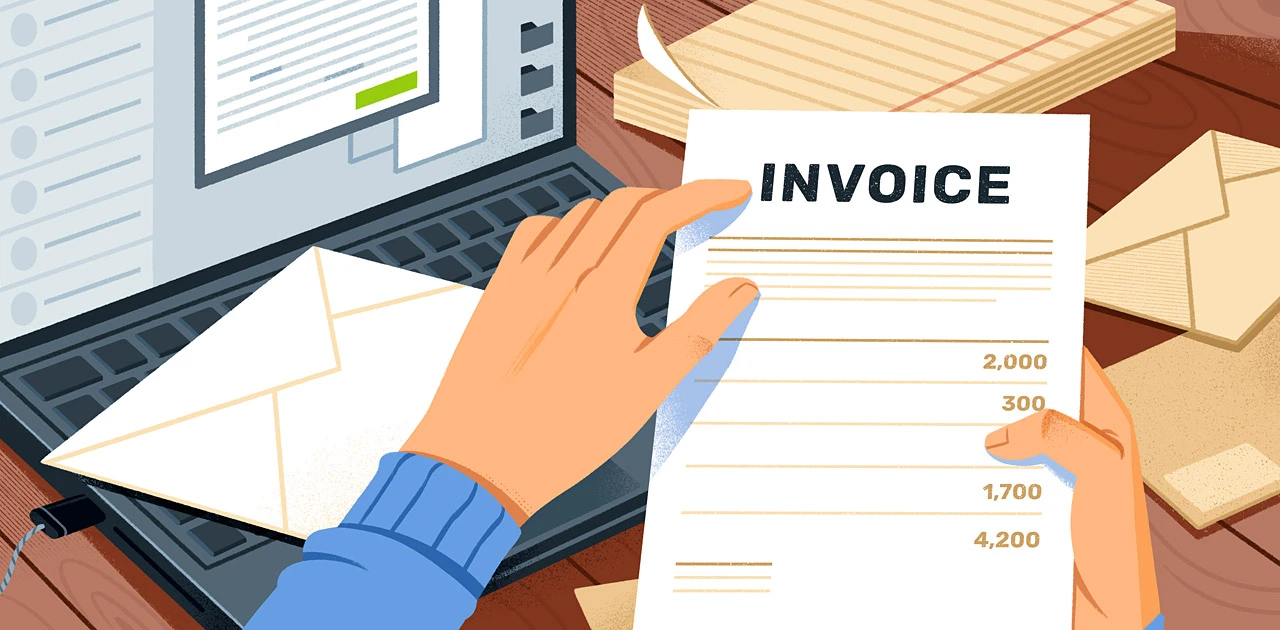
A professional invoice provides accounting with all the information needed to approve and record payment in a single step. Include important details such as your full name or business name, clear line items, legal and tax references, clear payment instructions, and easy-to-read metadata. By getting these parts right, the invoice won't become a task; getting them wrong might cause it to go back and forth for verification. Additionally, incorporating our payroll software ensures smooth payment processing and accurate record-keeping.
Who should be named on the invoice?
Write your legal name or registered business name exactly as it appears on contracts and tax documents. Then, add your preferred name for payment.
For clients, include the billing contact, the company's legal name, and a purchase order or contract reference, if applicable. This exact-match approach helps reduce identity checks as invoices go through procurement, legal, and accounts payable.
What makes a line item truly clear?
Each line should be treated as a micro-record. Include the work date, a brief description (e.g., "Website copy, three landing pages"), the number of units or hours, the unit rate, and the subtotal. It is important to use clear verbs and avoid ambiguous labels such as "services." To support your claims, attach proof such as a delivery PDF or time log, and mention the attachment filenames in the line item. Clear line items serve a practical purpose; according to the PineBill Blog, invoices with itemized lists of services or products are 30% more likely to be paid on time. This shows that breaking work down can reduce review time and prevent scope disputes.
How should taxes and legal identifiers appear?
Include whatever tax identifiers your client requires: VAT/GST number, VAT reverse-charge note, EIN, or local withholding codes. If you expect withholding, say it clearly and show both gross and net amounts.
When two tax rules meet, add a short note explaining who is responsible for which tax, and attach any treaty certificates or contractor classification forms the client needs to make the payment. To streamline management, consider how our payroll software simplifies tracking these requirements.
What belongs in the payment instructions?
Provide a preferred payment method, including full bank details (IBAN, SWIFT/BIC) or a payment URL, remittance email, and the exact text the client should use as the payment reference.
Clearly state the payment terms and a firm due date.
According to the PineBill Blog, "95% of businesses report that including clear payment terms in invoices speeds up payment." This clarity consistently reduces approval hesitation and shortens the turnaround window.
If currency conversion is involved, specify the expected exchange rate, clarify who bears the conversion fees, and provide the estimated net amount after fees so the client knows what to expect.
Which technical fields and attachments stop back-and-forth?
Including important details can make payments easier. Add an invoice number, the issue date, a contract or SOW reference, and a brief payment memo so the AP team can easily enter the information into their records.
Attach related documents, such as PDFs, receipts, and signed deliverables. Use clear file naming patterns, such as `INVOICE_2026-03_12345_ClientName.pdf`. If you bill frequently, consider adding a machine-readable CSV or XML summary. This enables accounting systems to automatically import invoices rather than manually enter them.
When do formatting choices matter more than wording?
This challenge often arises when projects move between areas or expand across teams: a clear, human-readable invoice may not meet requirements when finance systems require a PO field, or when a global payer prefers an IBAN over a local account number. If the billing method requires approval from both procurement and tax, add both a human note and a machine field for the PO or tax code. This way, the invoice will work for both reviewers.
How do formats impact large-scale invoicing?
Most teams email PDFs because this method is familiar and works well when clients are small and approvals are straightforward. However, as approval chains lengthen and currencies change, email threads can become fragmented. This can cause fees or withholdings to be missed, resulting in additional days spent on reconciliation.
Platforms such as Ontop, a global payroll and payments software provider, streamline this process. They bring together required tax checkpoints, show exchange rates and fees, and provide wallet or card payouts.
As a result, invoices include the exact routing and conversion details finance teams need, reducing review cycles and minimizing unexpected deductions.
How should you name and store invoices to support them later?
Use a consistent numbering system that includes the year and client, such as 2026-CLIENT-0001. Keep a searchable archive that includes attached proof of delivery and signed statements of work (SOWs).
Handle the invoice file name like an address label. This way, any finance staff can find the contract, delivery, and payment records in just three clicks.
What is the biggest pitfall in invoice formatting?
It feels settled now, but the one formatting choice that quietly ruins otherwise perfect invoices is still waiting to be revealed.
Related Reading
- How to Calculate Net Income
- Virtual Business
- Freelance Brand Scaling
- Independent Contractor Agreement
- 1099 Form Independent Contractor
How to Format and Send an Invoice (Step-by-Step Instructions)
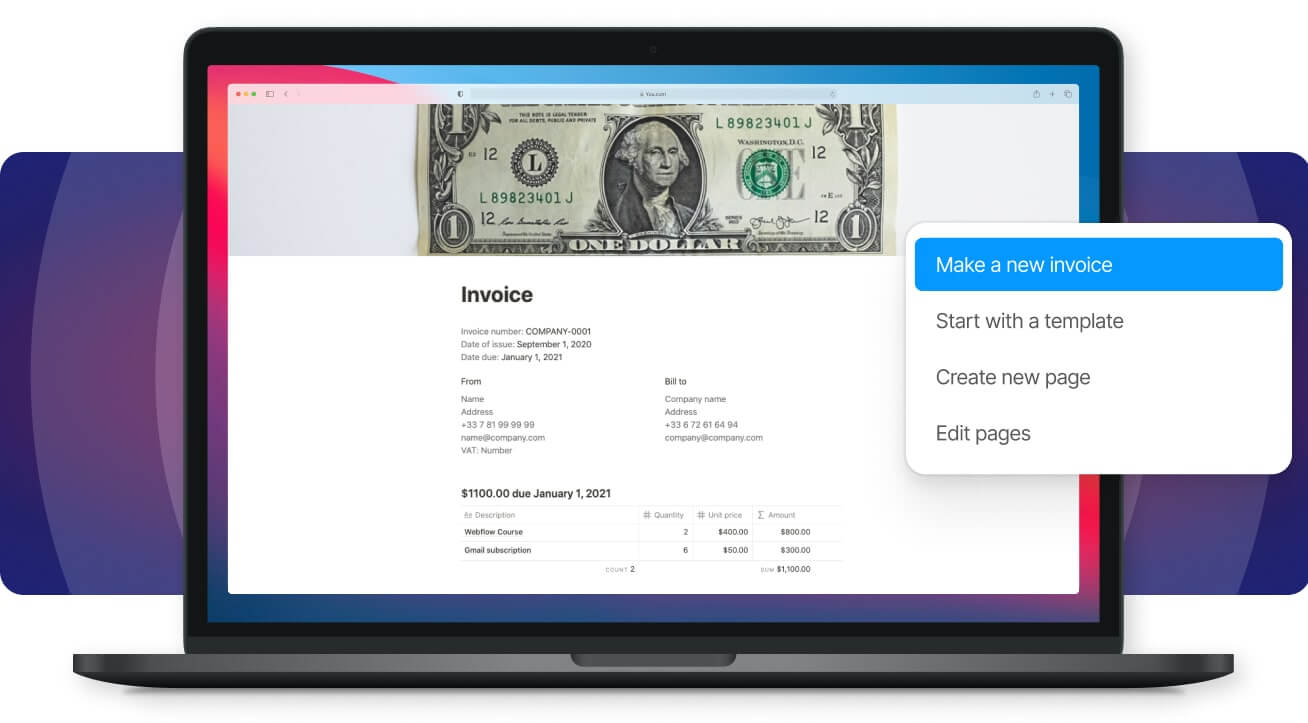
I break the process into four repeatable moves you can use every time: prepare a machine, a friendly invoice file, bundle proof cleanly, deliver it electronically with embedded metadata, and automate polite follow-up until payment clears.
Do each step with the expectation that the document will be read by a person and parsed by a system, because both must work for payment to move quickly.
Which file format and data structure should I send?
Use a human-safe PDF for presentation and a machine-readable format such as XML, UBL, or CSV for accounting systems. When a payer accepts structured e-invoices, their AP system can automatically populate fields, eliminating the need for manual rekeying. If the client supports it, attach a single-line UBL or PEPPOL XML file, along with a small CSV containing one row for each line item. This lets automated rules match invoices, POs, and payments efficiently.
How should I package attachments so they support approvals rather than block them?
Keep attachments short, name them predictably, and put them inside the PDF or a single zipped bundle.
Include a one-page remittance summary as the first attachment that lists the invoice number, contract reference, and the file that contains proofs.
For recurring or bulk invoices, routing the packet through an OCR-based extraction layer helps prevent reviewers from copying and pasting totals.
Tools like Rossum make extraction easier; lightweight services like lido.app push parsed rows into Sheets for quick sign-off; and pdfdataextractor.co handles recurring cleanups when many invoices share a template.
When should I choose an invoicing tool instead of sending invoices directly by email?
If your client has a portal or EDI endpoint, use it; otherwise, deliver invoices electronically and avoid printing.
Electronic delivery reliably shortens collections, as noted by Enty Blog: "Over 70% of businesses report that they receive payments faster when they send invoices electronically."
Embed a single payment link that includes the invoice number and currency code. This helps the payer’s payment reconciler automatically match the funds.
What exact metadata do AP systems want up front?
Alongside the visual invoice, include these four metadata fields in a machine-readable header: invoice number, contract or PO reference, the payee's tax classification code, and the preferred payout currency.
Treat that header like a flight manifest; missing even one line can force manual identity checks and delay the entire process.
If currency conversion is necessary, add a small table that outlines gross, fees, expected net in the payer’s currency, and who is responsible for covering conversion costs.
How do I set up follow-ups without sounding pushy?
Automate a polite sequence based on invoice status. Start with a one-click receipt confirmation on day one. If payment is still unpaid, send a friendly reminder on day three.
On day ten, send an escalation note that provides payment options. Configure your invoicing system to stop sending reminders when a payment is received or a remittance message is received. This ensures follow-ups remain professional and targeted rather than annoying.
What challenges do teams face with invoicing?
Most teams send PDFs by email because it is a well-known method that needs no new tools. This way works until there are many approvers and different taxes from other countries, which spreads approvals across inboxes. As a result, teams must perform manual checks and repeat the same questions.
Platforms like Ontop streamline invoice handling by performing compliance checks and displaying conversion fees upfront. This ability allows teams to reduce reconciliation effort, shorten review times, and maintain a complete record of their work.
What does success look like in the real world?
Success happens when an invoice goes into Accounts Payable (AP) as a file that's easy to read and as data that can be processed. This enables quick payment approval. You can measure this by tracking both first-pass approvals and the number of days it takes to pay after the invoice is delivered electronically.
Also, electronic processes can significantly change costs; as mentioned in the article "Creating an electronic invoice: Step-by-step, "Electronic invoices can reduce processing costs by up to 80% compared to traditional paper invoices." It's important to view automation not as replacing human care, but as helping remove tedious tasks. This enables human reviewers to approve invoices more quickly.
What should I check before sending an invoice?
- Attach the machine-readable header and single-line XML/CSV summary.
- Confirm the invoice filename follows the client’s pattern.
- Include the single payment URL with embedded invoice metadata.
- Add a one-line proof index at the top of attachments.
- Schedule automated receipt confirmation and reminders.
How should I think about invoices?
An invoice should act like a boarding pass for money. It is a compact document that includes all necessary routing codes. This ensures it clears security quickly and arrives where it belongs.
What unexpected issues can arise with invoicing?
An often overlooked aspect that disrupts the invoicing rhythm is more surprising than anticipated. This realization prompts a reconsideration of how to approach follow-ups.
Common Invoicing Mistakes to Avoid

The most damaging invoicing mistakes are the operational ones you don't notice until an invoice is rejected. These mistakes include missed vendor onboarding or PO matching, incorrect banking or beneficiary fields, and poorly timed billing that doesn't consider the client's cycle.
Sloppy correction and version control can also create confusion. Addressing these issues can help reduce manual chasing and prevent payments from becoming long, complex puzzles that take weeks to resolve.
Why does vendor onboarding and PO mismatch matter so much?
This problem occurs when your invoice doesn't land in the client's system as expected, so it is sent to a manual queue. Vendors who aren't pre-registered or invoices that don't include the exact purchase order or billing code are often rejected, which slows reviews. That isn't just a theory; it's what really happens. More than 30% of invoices are paid late due to incorrect invoice details (Cozby & Company, 2025). This shows why missing a PO field or having the wrong billing contact can change a 48-hour payment into a 30-day wait.
When should you split invoices or require up-front money?
If a project has multiple deliverables or long lead times, it's smart to request a deposit and issue invoices by milestone, rather than waiting until the project is complete.
Splitting the scope into clear parts helps reduce disputes and lowers the risk that a single disputed line will delay the entire payment.
For example, using fixed-percentage deposits, such as 30 percent at kickoff and 40 percent at midpoint, enables ongoing work while providing clients with clear approval checkpoints. This method also reduces the stress of chasing a single large invoice, which can often feel like a gamble.
Why do teams keep billing in spreadsheets?
Most teams keep billing in spreadsheets because it is familiar and works well at first. However, as approval chains grow and cross-border payments start, spreadsheets can become messy. Fields are often overlooked, and invoice reconciliation becomes time-consuming. Platforms like Ontop help by centralizing vendor registration.
They show the required tax and contract checkpoints before invoices are issued and provide a preview of conversion fees and payout routes. This helps ensure invoices include the exact routing data accounts payable needs. It also accelerates review cycles and reduces avoidable rejections.
What small banking mistakes actually stop payments?
Problem-first: an incorrect IBAN, missing BIC, incorrect beneficiary name, or use of a payment rail the client does not support can result in returns and fees.
Treat bank details as data to verify, not simply text to paste. A quick and low-cost check involves sending a micro-deposit or requesting a test transfer for new accounts. It's essential to confirm the exact reference string your client must use so their reconciliation system automatically matches the payment. This additional verification step can prevent the silent failure that converts paid invoices into unpaid records.
How should you issue corrections to avoid creating new delays?
Version control matters. When changing an invoice, it is important to issue a credit note along with a new invoice number. Show the net effect in a single table, and inform the billing contact which exact fields they need to replace in their AP system.
This method helps prevent issues involving partial attachments and multiple files that require manual ledger edits. Think of credit notes as an audit-friendly way to change the records, not just as a casual follow-up email.
How can automation and verification stop these mistakes?
Relying on manual checks can lead to mistakes. A good solution is to add a validation layer that checks PO fields, makes sure currencies match, reviews bank routing, and confirms vendor registration before invoices are sent. Businesses can reduce invoicing errors by 50% using AI automation tools (Cozby & Company, 2025).
This reduction is important because cutting errors in half converts stalled invoices into cleared payments. For growing teams, real success is not in fancy features but in reliable cash flow and far fewer awkward reminders.
What quick habits can you adopt today?
Here is a quick habit checklist to adopt today: validate vendor onboarding and purchase orders before billing; require a small kickoff down payment for long projects; verify beneficiary fields using a micro-deposit; issue credit notes with clear versioning; and implement a pre-send validation step in your workflow to catch human errors before the invoice leaves your outbox.
Why does validation change across different contexts?
That fix sounds neat until one realizes how different countries, rails, and tax rules quietly affect what 'validated' really means.
Related Reading
How to Handle International Invoicing
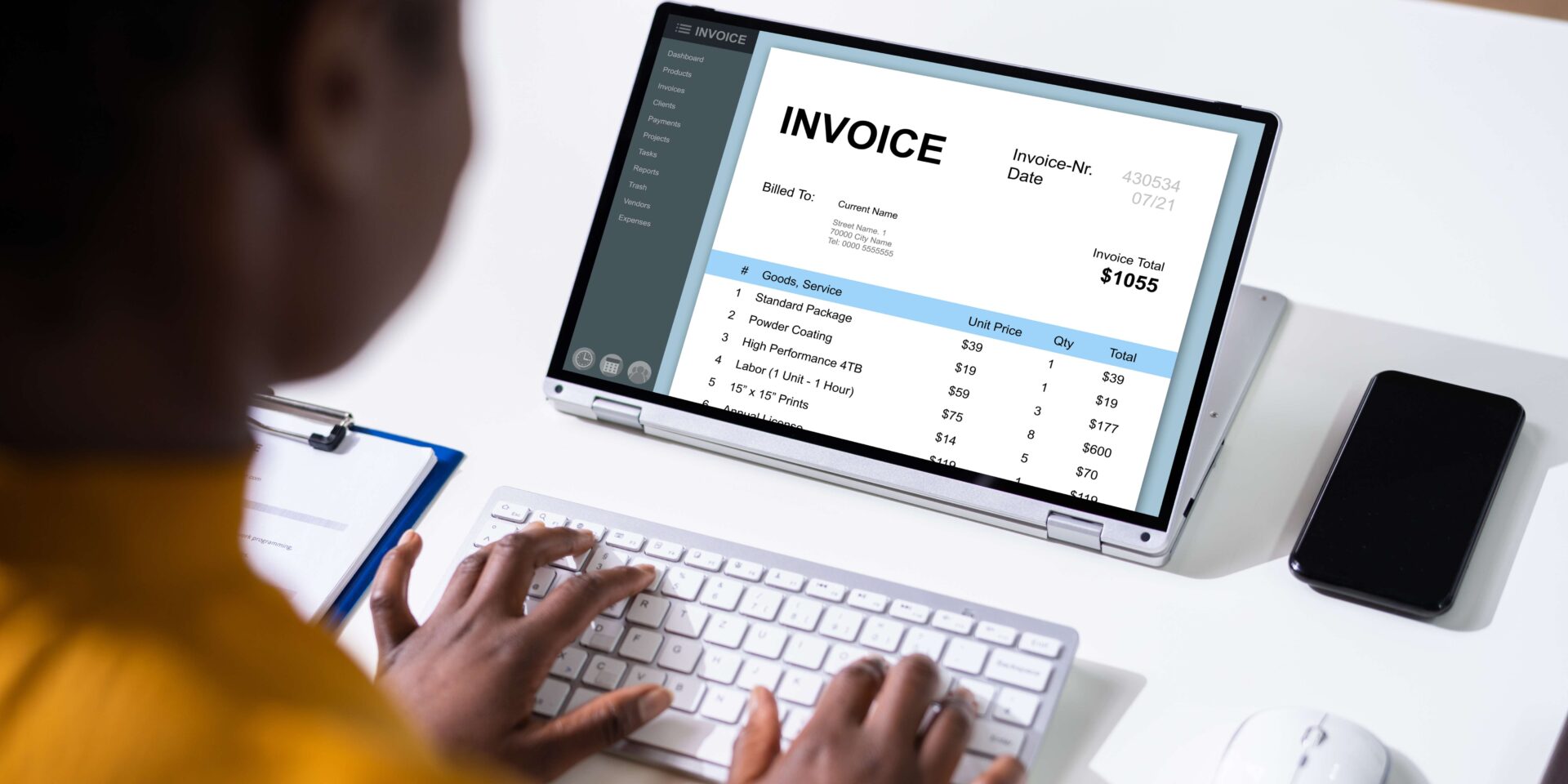
Handle international invoicing by treating each country as a distinct set of rules rather than a one-time exception. Map out the legal requirements, confirm the receiving rail and identity checks, and use automated validation before sending the invoice. This way, you can make sure it goes through in one go.
By using this method, you can avoid having to chase after corrections. If you ignore this, payments will be stuck in manual queues.
Which countries now require structured invoices, and why is this important?
Regulators are moving quickly, making e-invoicing the standard in many areas. This change means compliance has become a pipeline issue rather than a paperwork issue, which significantly affects how invoices should be created. Remember that 80% of global companies are expected to adopt e-invoicing by 2025, according to the xSuite Blog.
This indicates that more clients will demand machine-readable submissions as a condition for payment. Also, more than 60 countries have already implemented or are planning to implement e-invoicing rules, as noted in the same xSuite Blog. This means that the places you work with may now require formats, signatures, or fields that were not previously required.
What legal metadata and retention rules should you track?
Start a jurisdiction profile for every market you invoice. This profile should list three key items: the required tax identifiers for suppliers and buyers, the legally required steps to verify authenticity, such as digital signatures or timestamping, and the required retention period for records.
Some countries require that original signed digital invoices be retained for eight to ten years, while others may require a domestic audit trail for a shorter period. Treat these as nonnegotiable checklist items to check before sending the first invoice to a client in that country.
How do sanctions, KYC, and beneficial ownership checks block payments?
This is a common issue: a bank or payer conducts sanctions screening or KYC checks and identifies missing beneficiary information. As a result, the payment is held until the required documents are provided.
A helpful solution is to create a preflight KYC packet for international clients. This packet should include verified bank details, the names of the beneficial owners, and, if applicable, your tax residency certificate. Keeping this packet up to date ensures that a single request does not turn into a week of back-and-forth communication while funds are on hold.
When and where will you need to register for VAT or local taxes?
If you provide taxable services or digital goods in another country, the invoice may require local registration or a local tax ID for processing without withholding. This issue often happens for freelancers and small agencies. When a client’s finance team sees a supplier from a country they don’t recognize, they might either apply withholding or put the invoice on hold for tax verification.
The practical rule is simple: check registration thresholds before billing. If registration is required, either register or work with a compliant payroll or payments partner that can receive funds and issue the invoice on your behalf.
What payment rails reduce cost and reconciliation friction?
Utilize local receiving methods whenever possible, as they can avoid SWIFT intermediaries and minimize multiple fee layers. For example, SEPA or instant local rails often clear faster and at lower spreads than correspondent banking.
If keeping local accounts is not possible, consider using virtual local accounts or global wallets denominated in the client’s currency. This way, the payer can send money locally while your provider settles the amount in your preferred currency.
Always test the route with a small payment first; confirm the remittance reference string and save the confirmation to speed future reconciliations.
How can teams move beyond familiar invoicing methods?
Most teams continue to use email for invoices because it is familiar. This habit works until regulatory fields or sanctions checks become obstacles. As these issues increase, manual fixes multiply, leading to recurring cash-flow problems.
Platforms like Ontop offer teams an alternative path. They centralize country-specific checkpoints, check essential tax and identity fields before an invoice is sent, and show payout routing and conversion fees. This ensures invoices reach the payer already aligned with their rules, greatly reducing the back-and-forth that can turn a 48-hour payment into a multi-week challenge.
How should you roll out a safe e-invoicing process without breaking day-to-day work?
Adopt a three-step pilot for effective implementation. First, select two representative countries and create simple profiles outlining required fields, signature types, and retention rules. Second, send one approved test invoice using your chosen method, capturing accounts payable (AP) feedback, timing, and any rejections. Third, include those rules in a template along with an automated preflight validator.
This ensures the next invoice is either sent correctly or paused for changes before it goes out. This controlled rollout turns unexpected issues into predictable checklists.
What is the importance of validation in international invoicing?
Think of international invoicing like packing a suitcase with adapters: you can bring the same clothes, but without the right plug for each country, your device won't charge. It is exhausting when a single missing ID or unapproved bank name turns paydays into negotiations. However, a simple validation habit can prevent most of that pain.
The validation test you run next reveals a hidden rule that changes who can actually be paid.
How Ontop Helps You Send Invoices and Get Paid Smoothly
When invoicing becomes a chore rather than an easy task, it is important to have a process that turns an invoice into a cleared payment with no confusion. Ontop offers a complete platform that helps check and format invoices for payer systems, preview costs and routing before sending, and keep a single, traceable payment trail.
This ensures you are paid on time, so you can spend more time on billable work.
Related Reading
- Contractor Payment Solutions
- Paying Freelancers
- Contractor Payment Services
- Contractor of Record
- Payment Methods for Freelancers


