





Independent contractors rely on clear, detailed invoices to secure timely payments and maintain cash flow. A complete contractor invoice minimizes delays by outlining service details, payment terms, and expenses, while avoiding ambiguity that might slow down the process. Precise documentation also supports professionalism and helps prevent disputes.
Well-structured invoices include critical elements such as invoice numbers, dates, item descriptions, and due dates, streamlining financial management. By clearly communicating work performed and associated costs, these invoices enhance transparency and trust between contractors and clients. Ontop's payroll software provides tools to manage billing, track payments, and simplify financial record keeping.
Summary
- A clear invoice is the legal and practical signal that triggers payment, and 70% of contractors report that late payments are a significant issue affecting cash flow.
- Invoicing consumes real working time, with contractors spending an average of 10 hours per week managing invoices and payments, time that reduces billable work and business development.
- Small data mismatches cause outsized delays; over 60% of invoice errors stem from manual data entry, and over 50% of contractor invoices are delayed due to processing mistakes.
- Explicit payment terms change payer behavior. Woodard found that 70% of invoices are paid on time when they include clear payment terms and a due date.
- Making invoices machine-readable and adding preflight validation speeds processing, standardized formats process invoices about 30% faster, and staged approvals can reduce error rates by roughly 25%.
- Cross-border settlement is a growing source of unpredictability; over 70% of financial institutions report difficulties managing cross-border contractor payments, while cross-border volumes are expected to grow about 5% annually through 2025.
- Ontop's payroll software addresses this by centralizing contract and invoice data, validating invoice fields before submission, and displaying exchange rates and fees before payout.
Why Contractor Invoices Matter

Contractor invoices matter because they turn completed work into predictable cash and clear obligations. A clear invoice shortens approval times, keeps good client relationships, and helps your business avoid cash shortages. By managing these invoices effectively, you can streamline your processes and improve cash flow with our payroll software.
Why does the invoice control cash flow?
The invoice signals that payment is due, both legally and practically. When this signal is confusing, payments get delayed. According to Invoice Fly, 70% of contractors in 2025 report that late payments are a significant problem for their cash flow. Late payments are common; they pose systemic risks to contractors' survival and planning. This unpredictability forces contractors to create unnecessary buffers, spend time chasing payments instead of getting new work, and make safe decisions that could slow down their growth.
Where does the time actually go?
This problem is costly in both time and money. According to Invoice Fly, contractors spend an average of 10 hours per week managing invoices and payments. This time often takes away from billable work, business growth, and reliable delivery. The emotional impact is significant; constant requests for money can be tiring, and that pressure negatively affects conversations with clients and focus on projects.
What common invoice mistakes create the biggest drag?
The failure point is usually small: unclear service descriptions, missing tax or currency details, and confusing payment instructions. These issues lead to back-and-forth questions, repeated approvals, and sometimes project delays, as finance teams determine who pays what and how. This pattern appears among solo consultants and small agencies, but it becomes a bigger problem when work crosses borders and requires multiple currencies, withholding rules, or different payment methods.
How do manual invoicing methods create complications?
Most teams handle invoicing by email and manual attachments because it feels familiar and requires no new systems. This approach works well while projects and relationships are simple.
However, as teams add contractors across multiple countries, manual processes can fragment approvals and obscure fees and compliance requirements. Platforms like Ontop offer automated contracts, built-in compliance checks, transparent exchange rates and fees before payment, and instant payout options. As a result, teams find that invoices become predictable outputs of a single workflow rather than ad hoc paperwork that requires constant oversight.
Why is the invoice a trust and compliance signal?
An invoice is not just about doing math; it is a formal record that protects both parties. Having clear line items, accurate tax identifiers, and visible payment options helps reduce disputes and expedite approvals. By treating invoices as a consumer experience for clients, with clear totals and an easy payment method, a single transaction turns into a repeatable, smooth business relationship.
How does an invoice impact trust?
Think of an invoice like a handshake after the work is done. A firm, clear invoice completes the exchange, while a weak or confusing one erodes trust and delays cash that is critical to your operations.
What small details affect payment timing?
That simple document may seem harmless, but it contains important details that quietly determine whether payment is made on time or delayed by months.
Related Reading
- How to Calculate Net Income
- Virtual Business
- Freelance Brand Scaling
- Independent Contractor Agreement
- 1099 Form Independent Contractor
What is a Contractor Invoice?

A contractor invoice is an accounting tool that turns completed work into clear, trackable entries that finance and compliance teams need to process payments, calculate taxes, and conduct cross-border checks. It isn't just a request for payment; it's the record that links the work performed, tax rules, and payment methods, ensuring funds flow smoothly from the client to the contractor. Our payroll software streamlines the process by ensuring compliance and accuracy in financial transactions.
How does it fit into accounting and compliance?
Invoices are important for month-end close, VAT and withholding tax reporting, and cross-border transaction settlement. As a result, their format is important for more than speed. When line items lack tax identifiers or the correct currency codes, reconciliations are delayed, prompting finance teams to make exceptions. This can lengthen the reporting process and strain vendor relationships. Think of the invoice as the key that either opens the payment door or keeps it firmly shut.
Why do invoices become bottlenecks?
The common approach is to share PDFs and spreadsheets because they seem easy. That works when teams are small, but as the number of approvals grows, the back-and-forth creates hidden delays. According to Qoyod Blog, “Over 50% of contractors report delays due to invoice processing.” These processing delays are a common problem that turns normal billing into weeks of cash uncertainty, not just a hassle.
What breaks when payment terms change suddenly?
This problem happens with city contracts and private clients: when payment terms change during a project, contractors face immediate cash shortages. This consistently creates operational stress, often resulting in hiring freezes or layoffs within a single payroll cycle. Small companies typically have tighter cash reserves, making it harder for them to manage unexpected timing changes.
How big a line item is contractor invoicing in project budgets?
According to Qoyod Blog, “Contractor invoices account for 30% of project costs.” Contractor billing is a major part of the budget, so any delay or misclassification not only delays payments but also affects project forecasts and purchasing decisions.
What are the risks of manual invoice processing?
Most teams choose manual fixes to address these gaps, maintaining control and familiarity. While this is understandable, the hidden costs are significant, particularly in time and risk as projects grow. Platforms like Ontop provide automatic contracts and built-in compliance checks. They display clear exchange rates and fees before payment, and offer instant payout options and worker wallets. This reduces approval cycles and foreign exchange uncertainty, enabling invoices to be treated as consistent outputs of a single workflow rather than ad hoc tasks. Additionally, using payroll software can further streamline these processes. The pattern is clear: when invoice fields are precise and the payment path is visible, disputes decrease, and teams can stop building large cash buffers. On the other hand, when clarity is lacking, disputes increase, which makes operational decisions defensive rather than focused on growth.
What impact do invoices have on payroll?
That simple ledger entry may seem small, but it ultimately determines whether your payroll runs smoothly or your employees don't get paid.
What are the key invoice choices for success?
The next section highlights the key invoice choices that can greatly affect results. Even one missed field can undo a month of hard work.
What Every Contractor Invoice Should Include
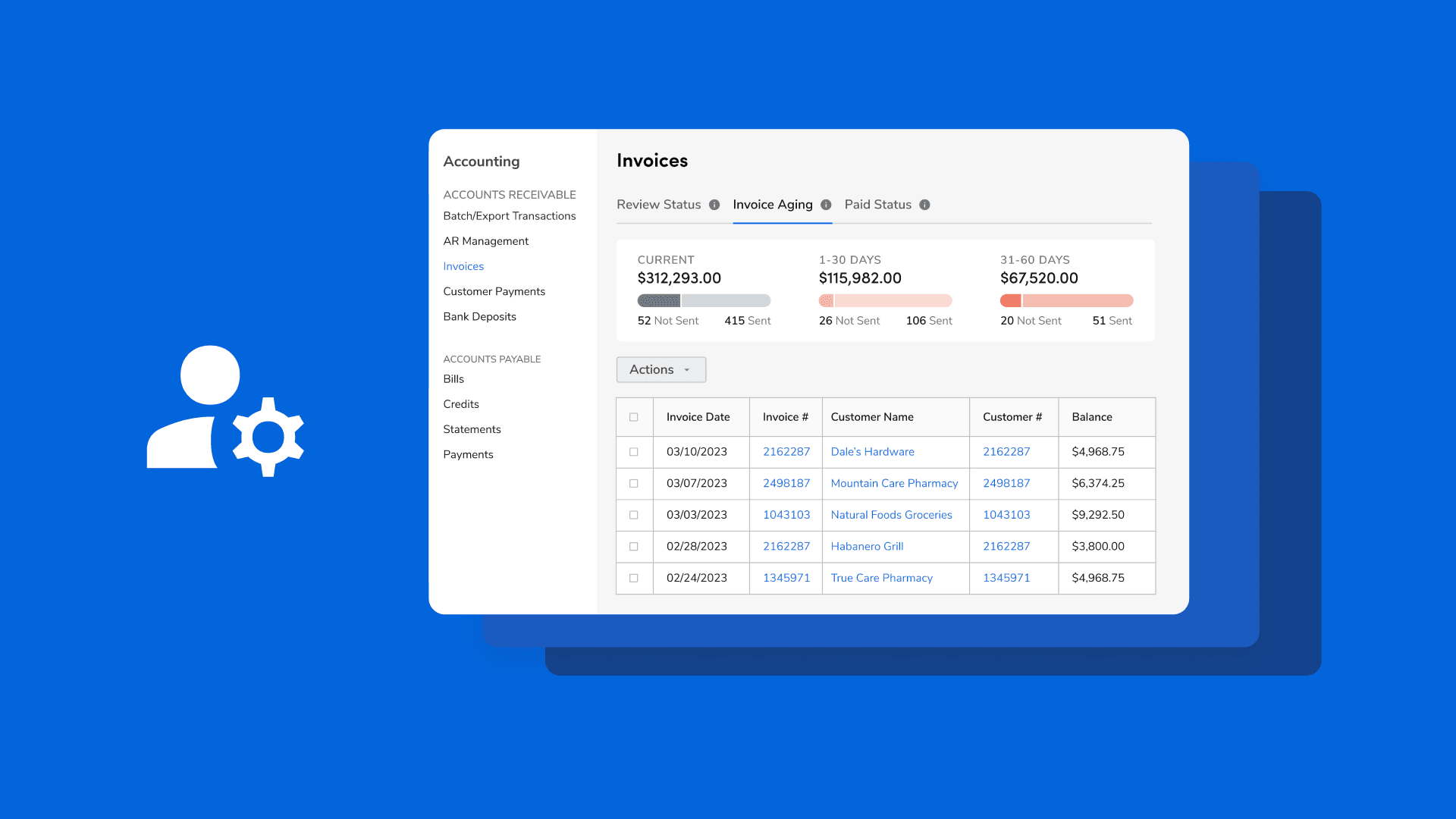
Every contractor invoice must name the parties, tie charges to an approved deliverable or billing basis, and provide a clear path to payment. If you get these three things right, the rest of the details help speed up approvals, prevent arguments, and allow accounting to finish the job without starting another email chain. The invoice should start with clear legal details. It must have your legal business name or DBA, postal address, email, and a phone number that connects to someone who can answer billing questions. Also include the client’s billing contact, a purchase order or contract reference, and the tax ID or VAT number required by the relevant jurisdiction. For cross-border payments, include the account name exactly as it appears at the receiving bank, along with the SWIFT or IBAN, if required.
How should I write the service description to prevent clients from assuming something different?
Writing the service description needs careful attention to wording. It is very important to clearly state whether the charge is a fixed amount or an hourly rate, and to include the approval authorizing the amount. For example, write: "Fixed fee, Installation of 12 Model X windows, per Change Order 3, completed 2026-01-10, warranty 24 months." If billing by the hour, use: "Hourly labor, 32.0 hours @ $85.00/hr, timesheets signed by project manager on 2026-01-08." Following this pattern can help avoid problems: when invoices omit the billing method, clients often assume the work is hourly or exceeds the approved scope and withhold the final payment. For more information, see when invoices are omitted.
What should each line item include?
Each line should have a short, specific description, a unit of measure, a quantity, a unit price, and a subtotal. Add a short project code or phase and the approval reference. Use the same item codes across invoices so, finance can easily match line items to purchase orders. Attach photos, delivery receipts, or a signed completion form for work that could be questioned; these attachments can reduce review cycles by 1 week or more by replacing a proof request.
How do I present totals, taxes, and withholdings clearly?
To show totals, taxes, and withholdings clearly, start by showing a clear subtotal. Then, list taxes and any withholding amounts on separate lines, including the jurisdiction and tax rate. For international invoices, state the currency in the header and show both the invoice currency and the client's currency if a conversion is required. Also, include the tax registration number next to each tax line so an accountant can post it without guessing. Using effective payroll software can significantly simplify this process.
What payment instructions remove ambiguity?
Establish a single, clear payment path. For bank transfers, include key details such as the account name, IBAN or routing number, SWIFT code, bank name, and, if needed, the bank address. For online payments, provide a secure payment link and mention any fees. Make sure the remittance email or portal is the one you check, and provide instructions that clients can easily copy into their accounts payable systems. For example: "Remit to: ACCOUNT NAME: Acme Builders LLC, IBAN: XX123, SWIFT: ABCDXX, Reference: INV-2026-0145."
Why should I include explicit payment terms and a due date?
Why should I include explicit payment terms and a due date? Set a due date and a short payment term line, such as "Net 15, due 2026-01-25." That matters because, according to the Woodard Report, 70% of invoices are paid on time when they include clear payment terms. This shows that a single explicit line change affects accounts payable behavior.
How should I name and send the invoice so it does not get lost?
To ensure invoices are not lost, use a clear filename and subject line format. For example, name the file: Invoice_INV-2026-0145_ClientName_20260111.pdf, and use the email subject: Invoice INV-2026-0145 | ClientName | Due 2026-01-25. This consistency helps avoid confusion with different versions on shared drives and speeds up automated matching. For large clients that use PO matching, include the PO number on the first line so their system can automatically route the file.
What supporting evidence should travel with the invoice?
Supporting evidence is essential to confirm an invoice. Include signed change orders, delivery tickets, time logs with initials, and any compliance certificates that the contract needs. Start the PDF with a brief summary explaining what was approved and by whom. For example: "Final milestone payment, per Contract 2025-07, signed by Client PM on 2026-01-08."
How do I protect against assumptions and disputes?
To protect against assumptions and disputes, add a one-line billing basis clause near the top: "Billing basis: Fixed deliverable as defined in Contract 2025-07, not hourly unless stated." This clause helps prevent the common issue of clients believing they are being billed hourly when the invoice appears to be a checklist rather than a contractual claim. In a recent use of this clause across a set of small renovation contracts over three months, approval cycles shortened. Also, one disputed final payment was resolved as on time after a single clarification.
What technical touches make invoices machine-friendly?
To make invoices machine-friendly, provide a short, machine-readable summary page or CSV of line items as an attachment. Use standard field names for date, invoice number, tax ID, and amounts. This allows accounts payable systems to accept your invoice without manual data entry. If you expect cross-border settlement, include the currency code and a plain-text foreign exchange note if you think the client will pay for conversion costs.
How can platforms improve invoicing processes?
Most teams still email PDFs because it is familiar and requires no new work, which is sensible a small scale. However, email attachments can complicate approvals as more stakeholders are involved. Missing fields often lead to reconciliations that can take hours. Platforms like Ontop, along with similar payroll and compliance tools, help teams keep contracts in one place. They can automatically populate invoice fields from those contracts, display clear exchange rates and fees before payment, and send payouts quickly to the right rail. This method shortens review cycles while keeping a complete audit trail.
What best practices ensure invoicing clarity?
According to the Woodard Report, 85% of contractors include a detailed description of services on their invoices. This shows that providing clear item details is now a common practice and an effective way to reduce back-and-forth communication. Keep your invoice language clear, your attachments specific, and your payment path simple and direct. This small effort changes invoices from confusion into progress.
What common issues disrupt invoicing processes?
The element that most often disrupts a clean invoicing process is not usually a technical problem; it comes from human factors. Understanding these human-related issues is important for improving overall efficiency.
Common Contractor Invoice Mistakes (and Why They Lead to Delays)
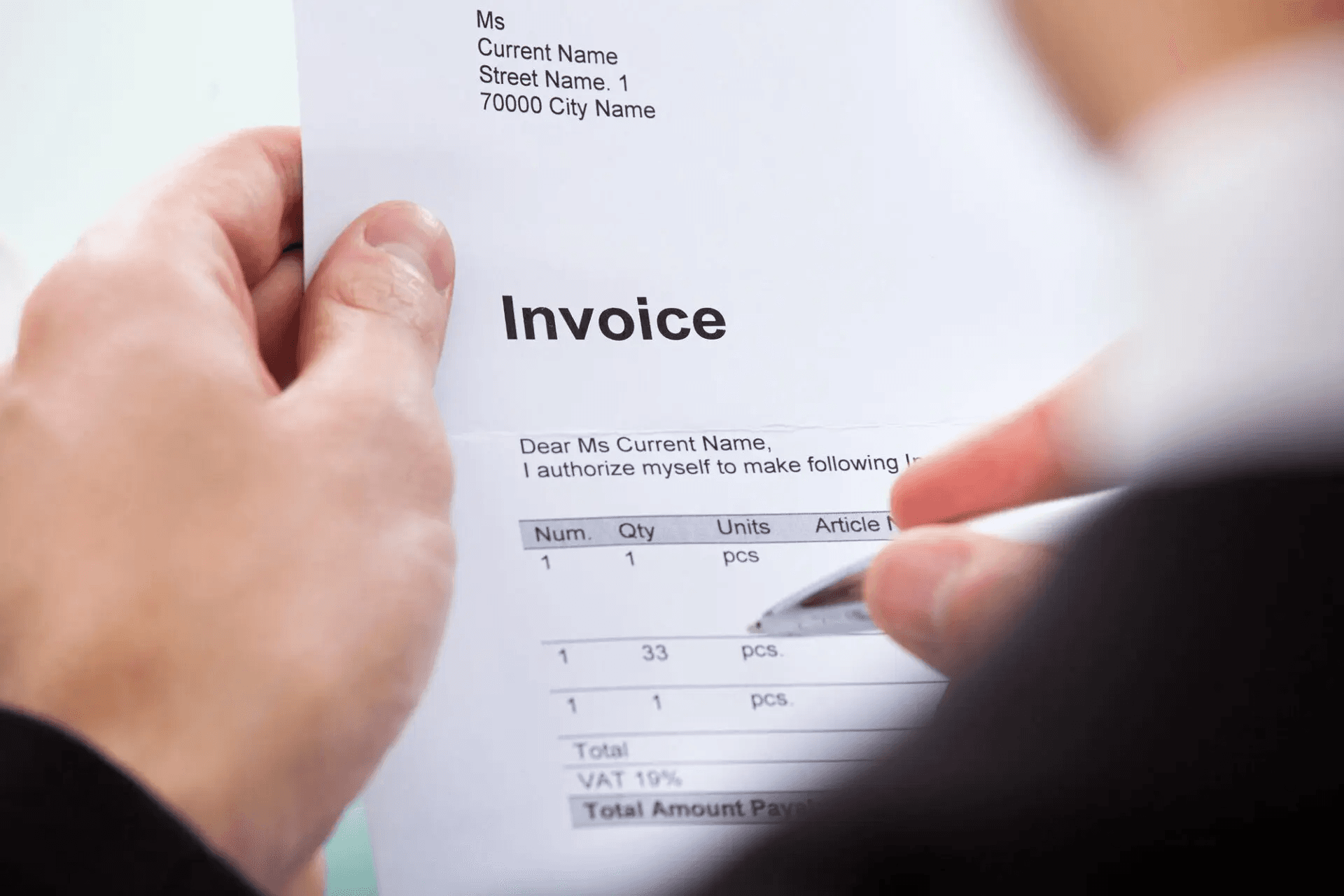
Most contractor invoice mistakes are not big errors; they are small mismatches that engineers and accountants see. These include wrong remit-to names, missing purchase order references, incorrect tax codes, inconsistent invoice numbers, and file formats that AP systems cannot read. These small problems require accounts payable to perform manual checks. This transforms a simple billing issue into a multi-step process that delays payment and increases the risk of outright rejection. To avoid such delays, consider using reliable payroll software that integrates well with your invoicing processes.
What technical details trigger an automatic rejection?
Incorrect bank or legal entity details, a vendor name that does not match the supplier record, and mismatched tax identifiers typically prompt immediate rejection by automated PO-matching and fraud-detection routines. When an invoice lacks the buyer’s PO number or required tax fields, the AP system often flags it and returns it unread. Think of a PO-less invoice as a letter without an address, and it rarely reaches the right mailbox. This is why machine-friendly formats and exact identifiers matter more than neat PDF design.
How does manual work create those mistakes?
Most of these failures come from retyping and copying between documents. This exacerbates human error, delays reviews, and creates duplicate records across systems. According to the SenseTask Blog, over 60% of invoice errors are caused by manual data entry. This is the main cause of mismatched amounts, wrong account numbers, and missing reference codes. It also shows why mistakes recur, even among experienced billers. When people type the same fields in five different places, the chance of a typo goes up a lot. Accounts Payable (AP) teams typically treat these as exceptions to be fixed rather than as part of regular payments.
Why do simple process gaps compound into days or weeks?
Simple process gaps can build up into delays of days or weeks. Inconsistent invoice numbering, unclear file names, and sending invoices through informal channels create exceptions in accounts payable, who then issue exception tickets and request clarifications. These back-and-forth communications often miss the next scheduled pay run because approvals are grouped around fixed cutoffs. This systemic issue is not just a guess; it can be measured. Research from Bauwise: Over 50% of contractor invoices are delayed due to errors, indicating that small mismatches accumulate, creating a structural cash-flow problem rather than occasional friction.
How do human habits make it worse?
This pattern shows up in therapy practices, boutique studios, and solo consultancies. Freelancers often feel nervous about asking for payment, which delays follow-up after sending invoices. When invoices go unanswered, the contractor tends to avoid any confrontations. This keeps the invoice open until the client's AP team requests additional information or rejects it for incomplete fields. Such emotional friction is real; it wastes time and turns what should be simple billing into a constant source of stress for those who rely on on-time payments.
How can invoice management tools help?
Most teams handle invoices by email because it is familiar and easy at a small scale. While this choice makes sense, it hides a growing cost. As more people are involved, additional currencies and compliance checks arise; relying on email can lead to duplicate work, inconsistent fields, and data entry errors. Platforms like Ontop change this by bringing contracts together, auto-populating invoice fields from those contracts, checking for compliance before sending, and showing clear exchange rates and fees before payment. This ensures invoices are ready for accounts payable, reducing approvals from days to hours without additional follow-up.
What quiet failures do we overlook?
One quiet failure mode, often underestimated, shows why fixing a single field can speed up payments better than sending five reminder emails.
What deeper issues cause invoice delays?
The real reasons invoices keep stalling go deeper than just missing numbers or attachments.
Related Reading
How to Make Contractor Invoices Clear, Accurate, and Faster to Process
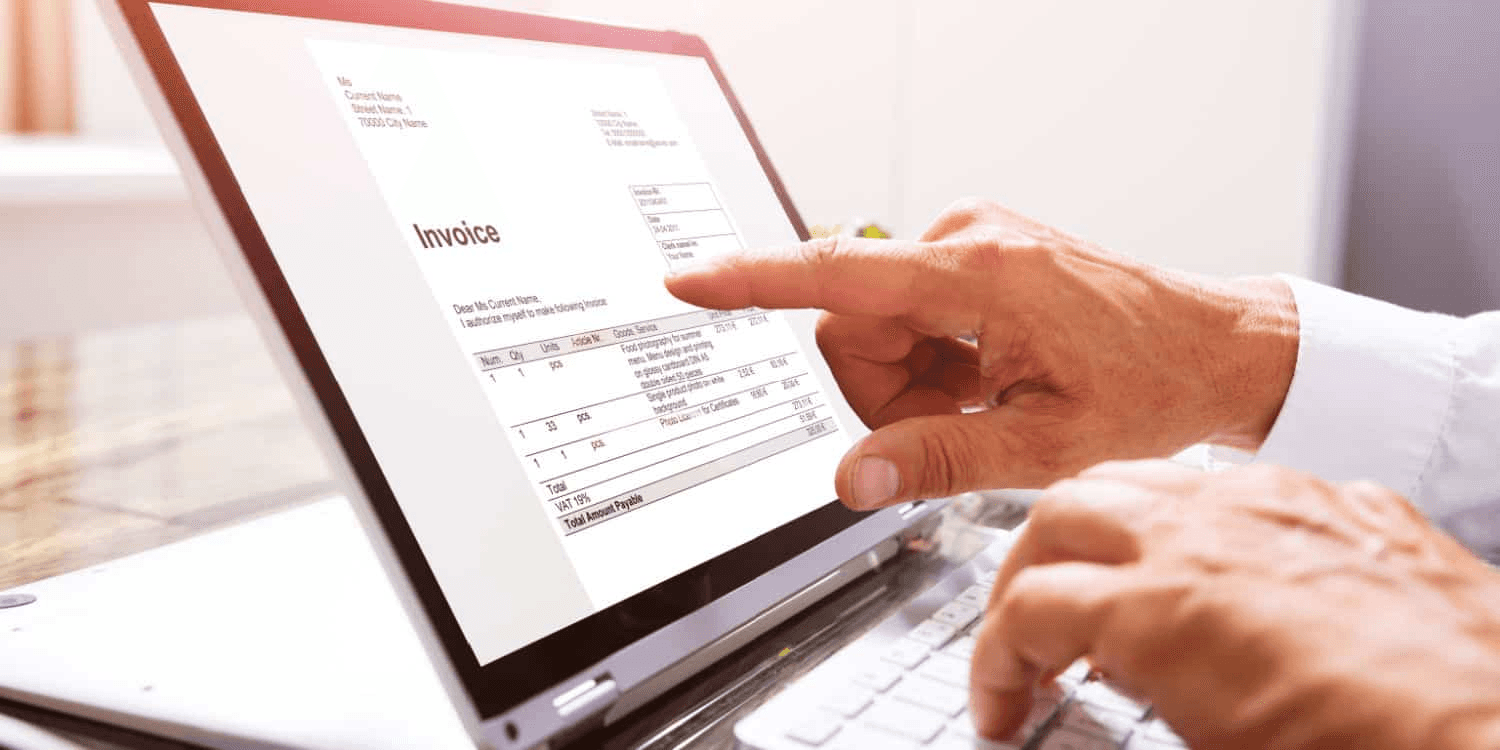
Make invoices clear, accurate, and faster by treating them as structured data, not just documents. Embed predictable fields that map to AP systems, validate those fields before you send, and align your approval flow with the client’s pay cycle, so the invoice hits the right queue at the right time.
How should invoices be structured to ensure software can read them?
Use standardized e-invoice formats, such as UBL or ZUGFeRD, with a compact, machine-readable payload, such as an XML or JSON attachment, that mirrors the human-facing PDF. Consider this metadata a shipping label for money, enabling scanners to capture specific fields rather than requiring manual retyping. According to Shadecoder: "Contractor invoices processed 30% faster with standardized formats." Adopting these formats significantly shortens AP review time by aligning with purchase order matching rules and facilitating automated ledger entries.
What checks stop trivial mistakes before they cost days?
Build a preflight validation that runs every time an invoice is generated. The script should verify the vendor's legal name, bank details, tax IDs, PO number, currency code, and the checksum on the invoice number. Reject the draft if anything is missing. A human exception queue should handle only unusual items. Implementing staged approvals helps reduce routine rework: low-value invoices can be auto-routed, while higher-value invoices require sign-off. According to Shadecoder: "Error rates reduced by 25% by implementing staged approvals." This division of responsibilities most effectively reduces common errors.
How can delivery and integration shave days off processing?
Stop relying on email as your primary channel for invoice delivery when a client uses e-invoicing networks or direct API ingestion. Sending an invoice via a secure e-invoice network or directly into a client’s AP system eliminates manual entry, preserves attachments, and provides instant delivery receipts. When direct integration is not available, add an embedded pay link and a machine-readable remittance block. This helps the client’s AP team reconcile without additional typing.
What low-friction practices improve throughput without heavy tooling?
Establish a small onboarding checklist with each client. This should include the preferred invoice format, the required PO field, the buyer/vendor code, and the pay-run cutoff. Time your submission to align with their pay run window. Use predictable reference patterns that combine the contract ID, milestone code, and period to make matches easy. Start by trying these practices with one client for one quarter. Measure the approval time and then expand the mapping to other clients.
How do you make invoices defensible for audit and disputes?
Establish an immutable trail by keeping signed change orders, timestamped deliveries, and versioned PDFs linked to the machine-readable invoice. Utilize bank account verification services during vendor onboarding to avoid false remits. It is helpful to attach a brief audit note that states the approval evidence and the signer's name. When disputes arise, a simple pointer to the exact signed approval clarifies the situation and can resolve negotiations swiftly.
What simple habit changes the whole rhythm of billing?
One simple habit that many teams overlook can change the entire billing rhythm. This involves proactively translating invoice fields into the format expected by the client’s accounts payable (AP) system before sending the invoice. Even if this means making the adjustment once per client upfront, it can significantly improve billing efficiency.
What feels fragile and urgent about cross-border payments?
While the situation may seem resolved at first glance, a closer look shows that parts of cross-border payments can feel both fragile and urgent.
The Hidden Challenge of Cross-Border Contractor Payments

The hidden challenge lies in unpredictability. A single invoice can become a multi-step process, with timing, fees, and legal rules changing after it has been sent. These changes can quietly reduce the payment amount and delay the receipt process by several weeks. This unpredictability is not just an annoyance; it fundamentally changes cash management, affects hiring choices, and influences how contractors set their prices.
What exactly fails once money leaves the client’s system?
Payments often pass through a chain of correspondent banks. Each bank charges fees, holds funds for checks, or imposes currency conversion fees at different points in the process. As a result, the amount that arrives is delayed and smaller than expected. This leads to three common problems: funds held for additional compliance review, hidden intermediary fees that neither party can see until settlement, and conversions processed at the receiving bank’s higher rate. The result is sudden cash shortfalls that appear as unexpected differences in the contractor’s bank balance rather than in the invoice history.
How do exchange timing and FX rules turn steady income into volatility?
When invoiced amounts face multiple settlement windows and local cutoffs, a single invoice can be split across two FX events and two conversion rates. This can lower the effective pay rate. Contractors who cannot access forwards or structured hedges experience that volatility directly. This issue gets worse when work is billed to multiple clients in different currencies. Cross-border payment volumes are expected to grow by 5% annually through 2025, according to both Investopedia and J.P. Morgan. This growth means pressure will increase across all rail and corridor operations while margins remain tight. For businesses navigating this landscape, utilizing payroll software can be pivotal in managing these complexities efficiently.
Why do banks struggle to fix this chaos?
Banks must choose between maintaining a local presence and keeping centralized controls. Many banks report gaps in their operations in this area. This happens not because they don't want to improve, but because their networks and compliance rules were set up a long time ago. According to J.P. Morgan (2023), more than 70% of financial institutions struggle to manage cross-border payments to contractors. This statistic shows how fragmented rules, liability concerns, and old correspondent relationships create challenges. These factors make it difficult to ensure consistent, low-cost settlements. The main problem is structural, not accidental.
How do teams betray themselves in handling payments?
Most teams send invoices and then let the banking system handle routing, conversions, and compliance. This method doesn't need new tools or hard discussions, which makes it seem smart at first. However, as the number of transactions and the areas they cover grow, this practice transfers operational risk to unknown third parties and hides the true cost of doing business internationally. Platforms such as payroll software and global payment providers offer a better option: they verify compliance in advance, display exchange rates and expected fees before payment, and select payment routes that reduce intermediaries. This proactive method turns unexpected shortfalls into predictable outcomes.
What short, practical habits actually reduce the hidden risk?
Treat payment routing as a contract term, not an afterthought. Specify the receiving currency, agree on who bears conversion risk, and add a settlement confirmation clause to confirm when funds are final. Use netting where possible to reduce FX exposure across multiple invoices. Insist on bank-account verification before the first payment to avoid later reversals. Run a simple scenario analysis quarterly, modeling worst-case hold periods and fee stacks for your top three client corridors. Additionally, maintain a small, rotating buffer tied to that model so that a single delayed payment does not become an emergency.
What is a useful analogy for understanding cross-border payments?
Think of a cross-border payment like a relay race. In this race, each bank is like a runner passing the baton. If one runner slows down or drops the baton, it affects the whole team's finish time and score. People at the starting line won't see this delay until the race is over.
Why is this pain still surprising for teams?
The frustrating part is that this pain is visible and solvable, yet most teams still find it surprising enough to leave it untreated.
How Ontop Helps Contractors Invoice and Get Paid Smoothly
Ontop helps turn contractor invoices into predictable cash. By keeping invoices, agreements, and tax forms in one secure workspace, users can see transparent exchange rates and fees before approving payouts. Payments are routed in multiple currencies or in instant USD, allowing funds to arrive faster with fewer conversion surprises. If invoicing is draining valuable time and preventing growth, signing up for Ontop offers the solution. Start managing billing and global payments across 150+ countries in one place with ease. Payroll software is also available to streamline operations.
Related Reading
- Contractor Payment Solutions
- Paying Freelancers
- Contractor Payment Services
- Contractor of Record
- Payment Methods for Freelancers